Error handling: Motor power OFF.
Error reset: Possible.
Description: The contact states of the teach pendant enabling switch do not match between safety circuits 1 and 2.
Main causes:
-
There is an open circuit, short circuit, or ground fault in the teach enabling switch wiring.
-
A problem with the teach enabling switch.
-
A problem with the power sequence board.
-
The motherboard is faulty.
Countermeasures:
-
Check the teach pendant harness or controller harness.
-
Replace the teach pendant.
-
Replace the power sequence board.
-
Replace the motherboard.
Reference: On the teach pendant screen, select <Display 1> → → <Safety Circuit Monitor 2> to check the safety circuit status. For details of the safety circuit monitor, refer to the Operation Manual.
[NOTE]
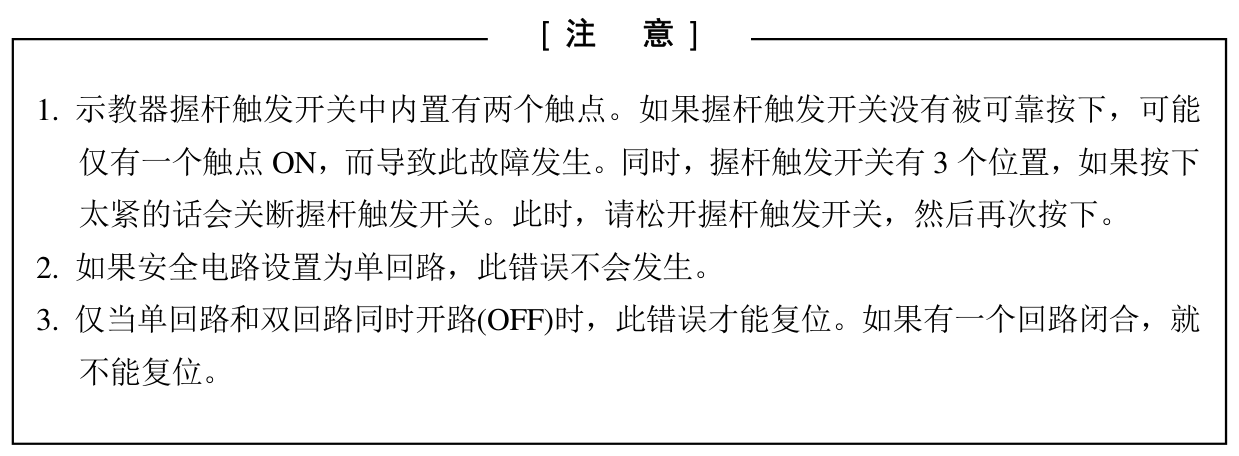
- The teach pendant enabling switch has two built-in contacts. If the enabling switch is not pressed firmly, only one contact may turn ON, causing this fault. The enabling switch also has 3 positions; pressing it too hard turns the switch off. In this case, release the enabling switch and press it again.
- This error does not occur if the safety circuit is configured as a single circuit.
- This error can be reset only when the single and double circuits are both open (OFF) at the same time. If either circuit is closed, the error cannot be reset.